
FARO Zone 2D Software
Create accurate diagrams for forensic investigation and pre-incident planning.
Previous
Next
Overview
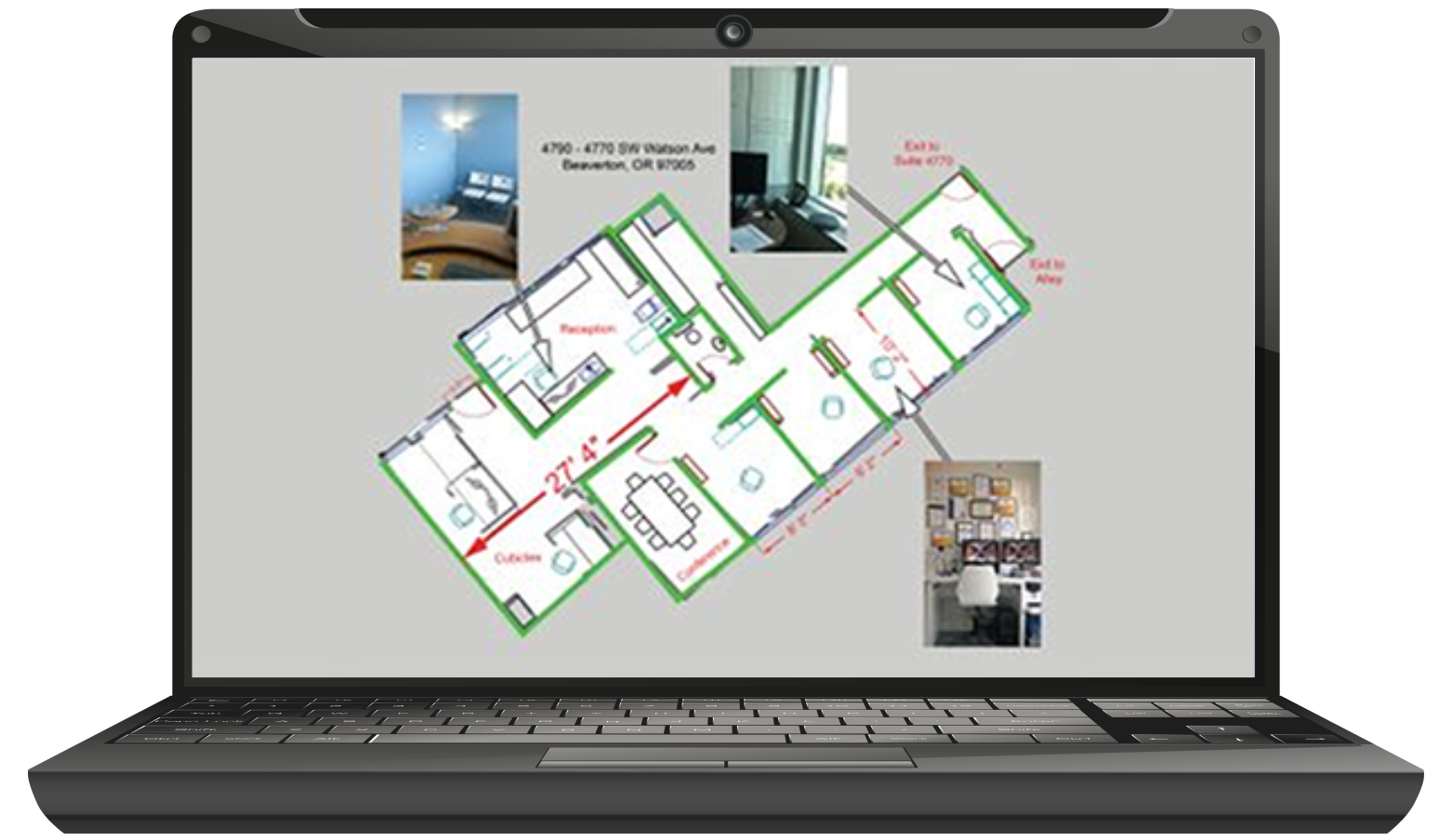
Documenting and sharing information in a concise and accurate manner is essential in the world of public safety. FARO Zone 2D is the leading public safety diagramming software that eliminates the time and monotony of creating hand-drawn scene and site diagrams. This reliable and affordable crash, crime and fire investigation technology allows law enforcement officers to create 2D crash report diagrams in as little as five minutes. Crime scene investigators can quickly diagram scenes with the utmost accuracy. It is also ideal for firefighters who create pre-incident plan diagrams.
Value of FARO Zone 2D
- Create Fast, Accurate Diagrams : Ribbon menus, keyboard shortcuts and right-click menus put commands and options at your fingertips. Automatically snap objects together and place dimensions for clean, precise diagrams.
- Diagram Any Scene With Ease : Wizards make it easy to draw roads, walls, stairs, doors and windows, all to exact dimensions. Pick from the thousands of pre-drawn symbols and line-types to show vehicles, furniture, weapons, fences, fire hydrants, utility shut-offs and other details of the scene.
- Share and Present : Share intersection templates within an agency to dramatically reduce drawing time of crash scenes. Incorporate diagrams into reports as PDF files or use the Zone 2go presentation tool to document a scene with photographs and notes.
- Easily Learn and Use : On-screen tooltips and instructions guide you through how to use each feature. The FARO Assist! learning center offers short training videos to help you get started fast, while longer training courses are available on FARO Academy.
- Flexible and Compatible : Use maps from Google or Bing, and import and export multiple image and CAD file formats. Print finished diagrams at any scale and on any size paper supported by your printer.
- Choose Your Language : FARO Zone 2D is available in English, German, Greek, Italian, French, Spanish, Portuguese, Russian, Polish, Chinese, Korean and Japanese.
FARO Zone 2D Features
- Flexible Starting Point : Create a rough sketch or an exact representation of a scene based on manual measurements, data from a total station, satellite maps or an orthgraphic projection from a FARO laser scanner.
- Essential Drawing and Editing Tools : Diagram anything in the scene to exact measurements with easy drawing tools. Change object properties and use drag and drop editing to change the size, rotation and location of objects.
- Aerial Map Import : Diagram streets scenes and buildings by importing aerial maps from Google Maps® or Bing®. Since the map is a 1:1 scale, use it to take accurate measurements, trace buildings and streets with ease.
- Automatic Snaps : Place accurate dimensions, connect objects, eliminate loose ends and create perfect corners between lines and walls.
- Pre-drawn Symbols : Incorporate thousands of pre-drawn symbols for crash scenes, crime scenes, fire scenes, pre-incident plans and event plans. Find the perfect symbol with the search tool and easily change the size, rotation and color of symbols.
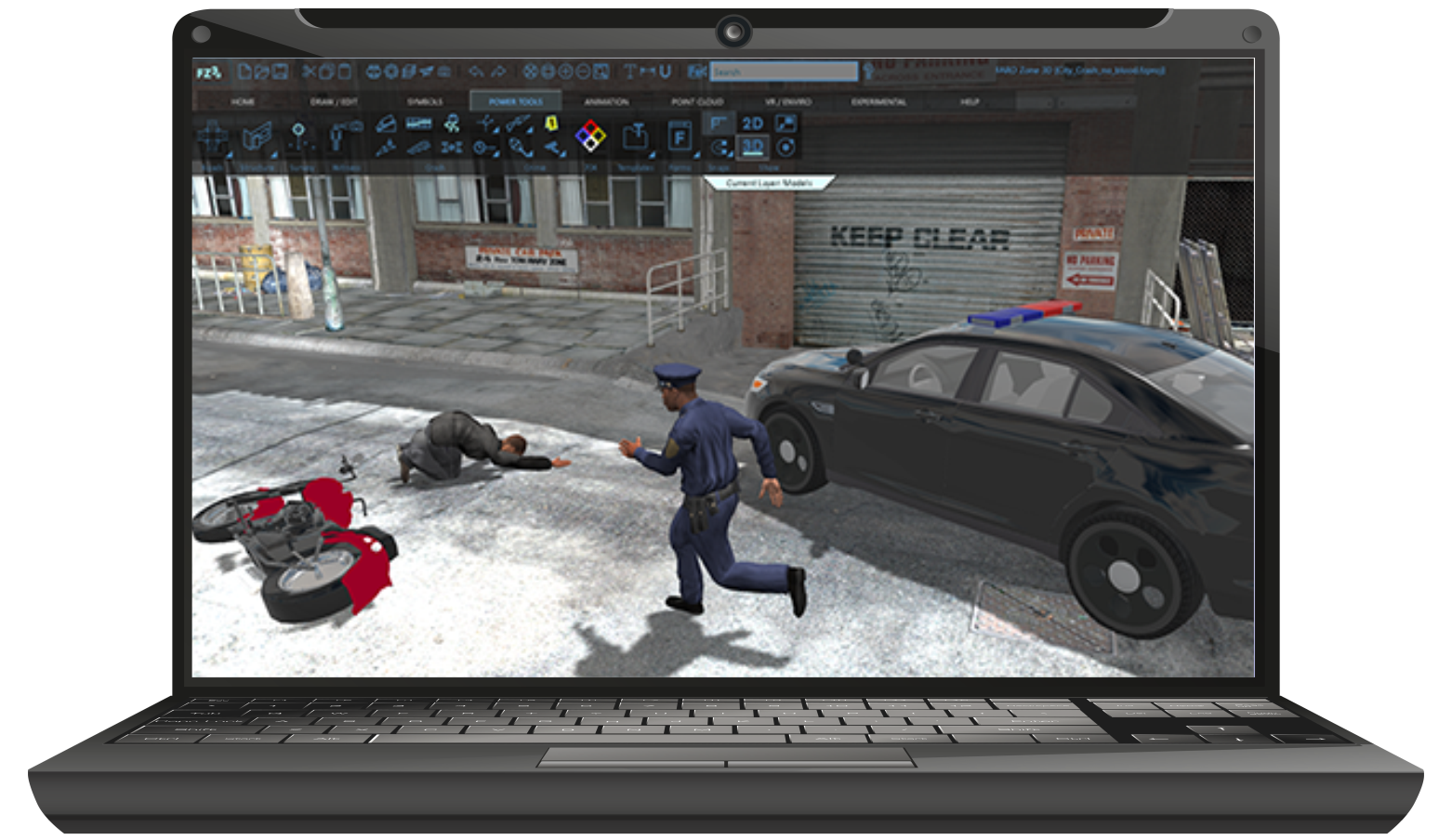
- Power Tools : Accelerate numerous drawing tasks, including drawing streets, intersections, stairs and walls with doors and windows.
- Add Photographs and Hyperlinks : Apply and change measurement units to dimensions automatically and throughout the drawing with a single click.
- Special Line Types : Turn any line, curve or arc into a custom line type with more than 40 fences, guardrails, railroad tracks, centerlines, skid marks and more.
- Object Grips : Easily change an object’s size and/or rotation by dragging special grips.
- Use Symbol Search Function : Find symbols and change any symbol’s size, rotation and color with Use Symbol search function.
- Exceptional Precision : The heart of FARO Zone 2D is a double-precision, floating point, CAD engine, so all your measurements are stored with extreme accuracy — 16 places to the right of the decimal point.
Architecture, Engineering and Construction (AEC) Applications
- Improved Construction Quality Control : Maximize quality assurance and quality control by evaluating projects with real-time comparisons against CAD/BIM designs and local standards using 3D scan data. Plus, automate processes such as 3D data importing and reporting.
- Enhanced Construction Prefabrication Processes : Continually monitor progress to identify and fix problems early. Minimize waste and reduce expensive rework.
- Earthwork and Foundations : Calculate exact volumes for construction pits and building foundations, and deliver more precise bids. Settle accurate material usage and become the most trusted contractor with your field expertise.
- Structural Elements : Document and resolve design deviations. Ensure the structural steel elements were assembled in-shop and erected on-site as planned and document it for following trades. Adjust fabrication design as necessary to ensure a streamlined on-site assembly, delivering your scope of work on time and with desired quality.
- Building Systems : Uncover structural construction deviations and confirm the connection points on-site fit your plant and MEP design. Adjust fabrication design when needed due to uncovered inconsistencies and ensure a streamlined mounting of elements on-site, delivering your scope of work on time and with desired quality.
- Outer Shell : Ensure the connection points on-site fit your fabrication design and adjust models when needed due to uncovered inconsistencies. Assess your final work to uncover out of tolerance areas and enable a quick rework before final delivery to the owner.
- Interior Finishing : Ensure the site fits your design documentation to build your deliverables at the correct spot. Apply for rework of inconsistencies before you start and become accountable for issues to finally ensure a streamlined teamwork on site. Analyze your final work to uncover out of tolerance areas and enable a quick rework before final delivery to the owner.
- Tank Renovation Design : Calculate the precise volume of any tank, and visualize deviations from 3D models in order to plan and design the rework. Uncover critical areas for immediate action on the plant facility, and confidently support plant facility managers with proven data.